Is Ayuvo a Health Connect alternative?
Not really. Health Connect is Android's data layer, and Ayuvo is an app that uses it. You would normally use both.
Health Connect is Android's shared store for health and fitness data, kept on your device. Ayuvo is an app that sits on top of it: with your permission it reads Health Connect, mirrors the data locally with charts, and adds records, medications, nutrition, workouts and a coach.
Facts about Health Connect checked 2026-09-25 · See the sources
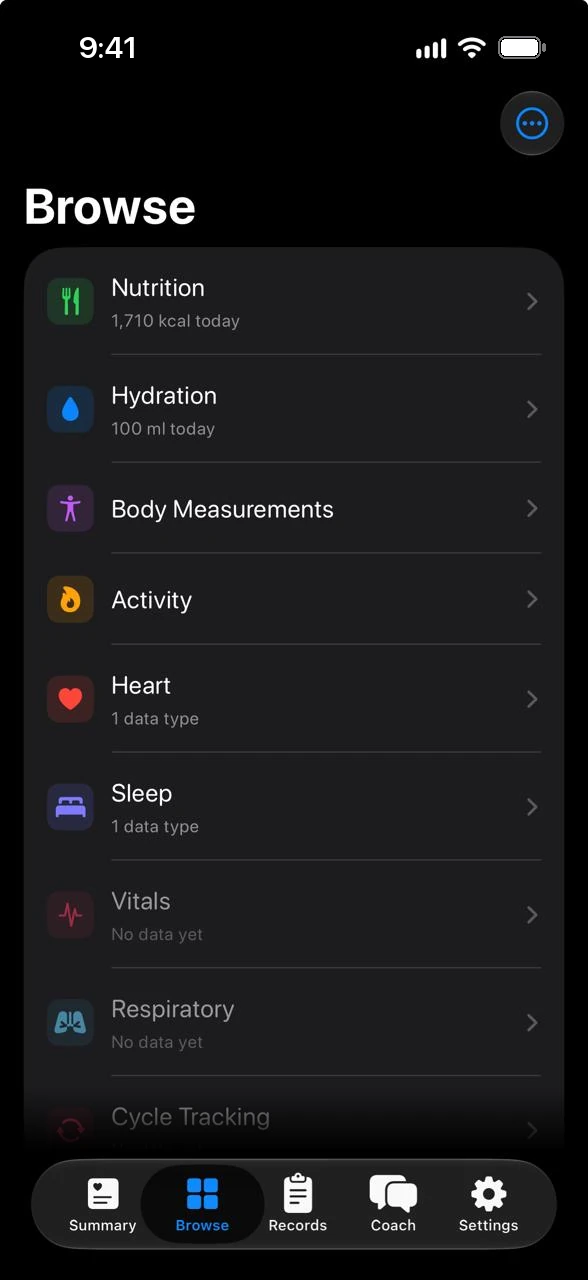
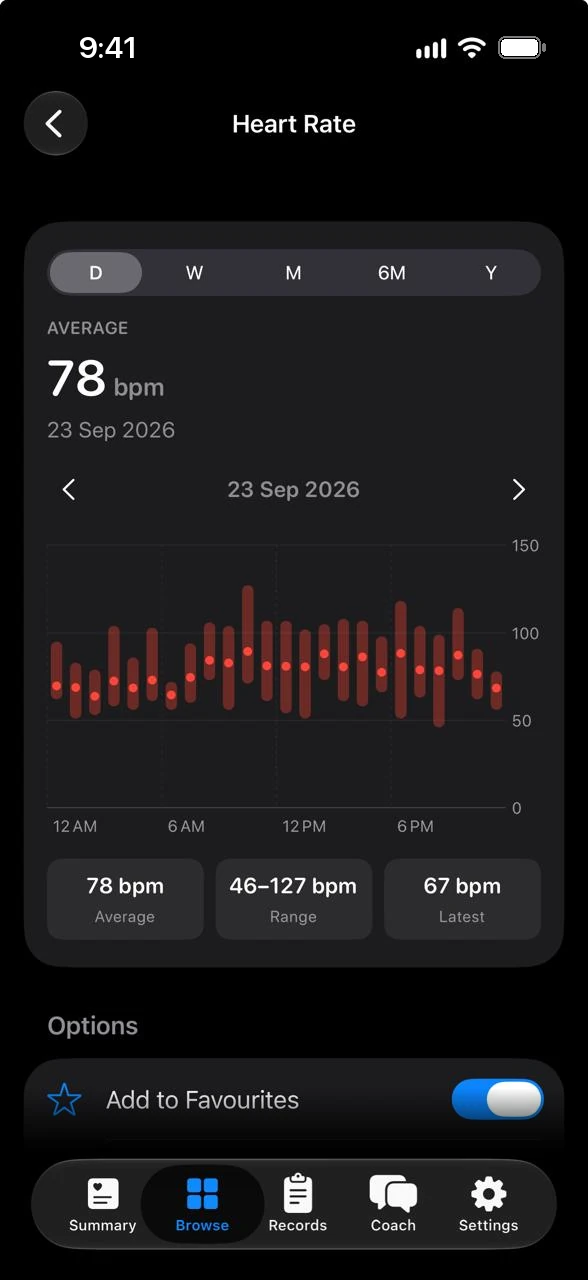
What each one does on the points people ask about most. Every statement about Health Connect links to its own page.
| Compared on | Ayuvo | Health Connect |
|---|---|---|
| What it is | An app that reads Health Connect and adds its own charts, diary, records and coach. | A health and fitness data platform on Android that lets apps share data with the user's permission1 |
| Where data is stored | A local mirror of the types you grant. Never in a cloud backup. | Stores and structures data on the user's Android device1 |
| Permissions | Asks only for the types it needs. You can revoke access in Health Connect settings. | Requires user permission before an app reads data, with controls to manage it1 |
| Browsing and charts | Day, week, month, six-month and year charts, sources and units for every metric. | A screen for browsing data and managing permissions1 |
| Medical records | Camera, scan, file, paste or the share sheet. Read on your phone, with values and highlights. | Supports medical records in FHIR format with its own permissions screen. The APIs are marked experimental and still changing2 |
| Meals, workouts and coach | Meals (photo, barcode, voice), workouts, water, fasting and medications. Optional. Your own key (15 providers) or a model that runs on the phone. | It is a platform: apps read and write the data1 |
| Android versions | Android 8.0 and later. | Android SDK 28 (Android 9) and higher1 |
| iPhone | Yes, using Apple Health. | No. It is part of Android1 |
Start here if these matter most to you.
What Ayuvo does not do, so you can decide with the full picture.
Facts about Health Connect were taken from these pages.
About this comparison. It is written by the Ayuvo team, so it is not neutral. Facts about Health Connect come from its own public pages, listed above and checked on 2026-09-25. Products change, so check Health Connect for current details, and email us if something is wrong. Health Connect is a trademark of its owner. Ayuvo is not affiliated with or endorsed by Health Connect.
Not really. Health Connect is Android's data layer, and Ayuvo is an app that uses it. You would normally use both.
Only for the Health data hub. Without it Ayuvo works as a private diary for meals, workouts, records and medications.
Yes. On iPhone it uses Apple Health. Export All Data on one phone and import it on the other to move your history.
Free, private, on your device. Bring your own AI key. No account, no subscription, no ads.
Or read the code: Ayuvo is open source