Does Ayuvo need location access all the time?
No. It asks only for location while using the app. A workout started in the app keeps recording with the screen locked, and the location indicator shows while it does.
Choose a sport and press Start. Ayuvo records the route with your phone's GPS, and keeps going with the screen locked. Pause, laps and auto-pause are built in, and when you finish you get the map, splits and elevation.
Live time, distance, pace, heart rate, elevation and the current split while you move, then a map of the route, per-kilometre splits, elevation gain and loss, heart rate zones and heart rate along the route.
| Sport | Auto-pause below |
|---|---|
| Hike | 1.08 km/h |
| Outdoor Walk | 1.44 km/h |
| Outdoor Run | 3.6 km/h |
| Outdoor Cycle | 5.4 km/h |
A GPS workout or strength session stays in view while it runs. On iPhone it is a Live Activity on the Lock Screen and in the Dynamic Island. On Android it is an ongoing notification. Both have Pause, Resume, Lap and End.
Add the Workout widget and start a walk, run, ride, hike or strength session straight from the Home Screen. While it runs, the widget shows the ticking timer, distance and pace, and its buttons pause, lap and end the workout.
| State | Shows | Buttons |
|---|---|---|
| Ready | Walk, Run, Cycle, Hike and Strength buttons | Each opens the app and starts recording |
| Recording | Sport, a ticking timer, distance and pace (speed for cycling) | Pause · Lap · End |
| Paused | A frozen timer | Resume · End |
| Strength session | A ticking timer | Finish |
iPhone: small, medium and Lock Screen. Android: 2×2 and 4×2.
With a heart rate source, each GPS walk or run can give an estimate of your VO₂max, the standard measure of cardio fitness. It replaces the rougher estimate from resting heart rate, and a VO₂max from your watch still takes priority.
Steady stretches of at least 6 minutes on flat ground (grade under 2%) with heart rate between 40% and 90% of your reserve give a VO₂max estimate from the ACSM walking and running equations. A guided 12-minute Cooper test is there if you want one.
Heart rate recovery one minute after End is shown too. A drop of less than 12 bpm is flagged as worth mentioning to a doctor.
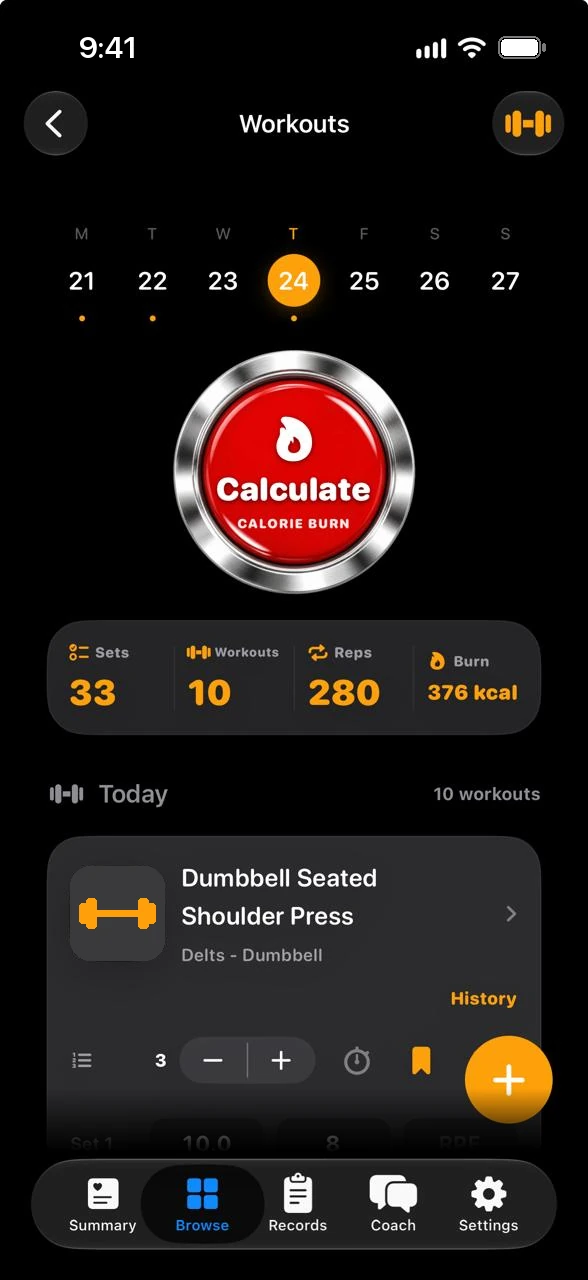
Press Start session before your first set and Finish at the end, and the session gets its real time window. Forgot? When you calculate the day's burn, Ayuvo looks at your heart rate and suggests the window when you were training. You confirm or change the times.
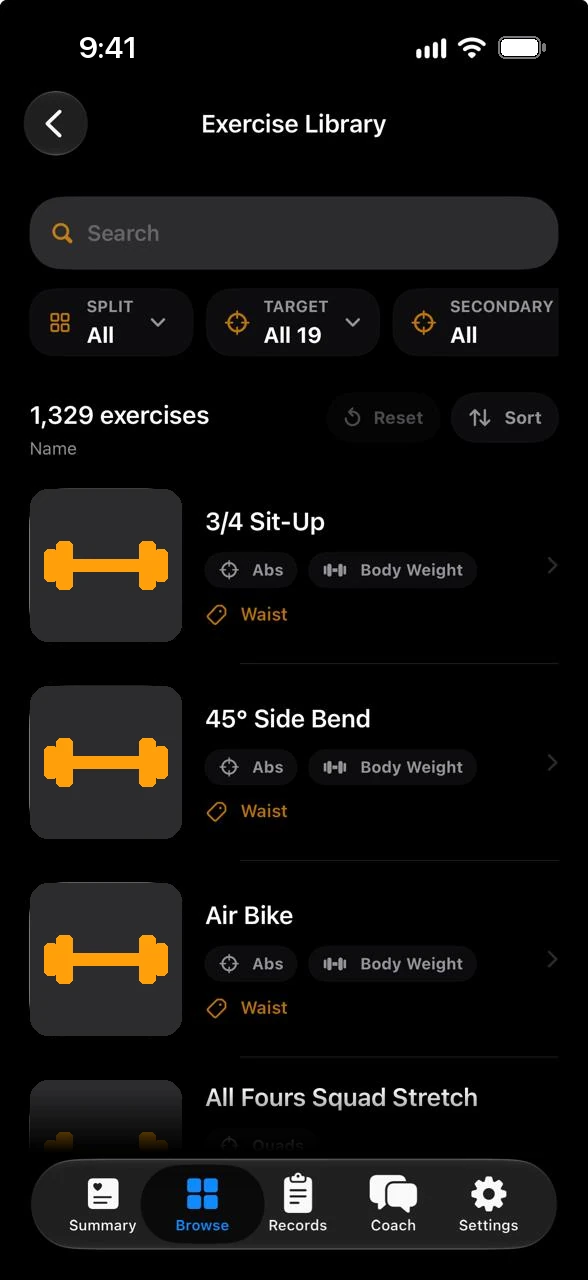
Browse the library by split, target muscle, secondary muscle and equipment, and add your own exercises and activities.
Not a clinical test. Estimated by Ayuvo from your GPS and heart-rate data using published formulas. It is not a clinical exercise test.
Your routes, sets and plans are stored on the phone.
Only while a GPS workout records, and only on the phone. The route goes to Apple Health or Health Connect with the workout.
Showing a route map loads map images: from Apple Maps on iPhone, and from OpenStreetMap on Android. Those services see which area is shown, not your route.
Browsing the library requests images from GitHub. The coach reads your workouts only when you ask, and sends them to the provider you chose or to an on-device model.
No. It asks only for location while using the app. A workout started in the app keeps recording with the screen locked, and the location indicator shows while it does.
A tap on a sport opens Ayuvo and starts the recording there, because phones only allow location recording to begin while the app is open. After that, Pause, Lap and End work from the widget.
No. When the Apple Watch records the workout, it saves it and the iPhone only shows it live.
It is an estimate from published equations, not a lab test. It needs a heart rate source and steady, flat stretches, and a VO₂max from your watch is shown instead when there is one.
Free, private, on your device. Bring your own AI key. No account, no subscription, no ads.
Or read the code: Ayuvo is open source